
Weddings
Keep the ceremony, dance floor, and behind-the-scenes moments your guests capture.
You can prepare a Momentra space in a few clear steps. Guests do not need an account or an app.
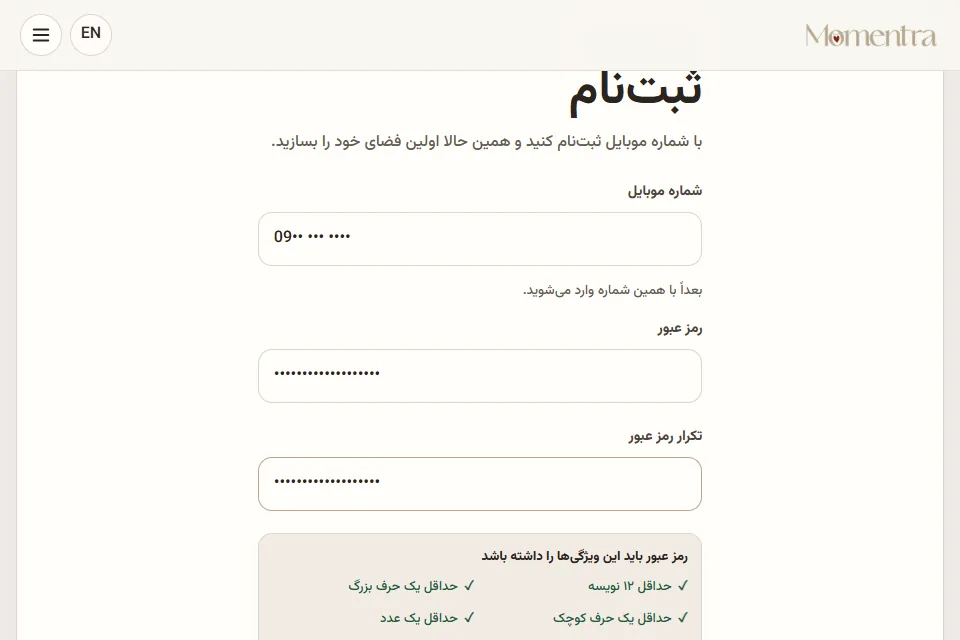
Sign up with your email and a strong password, then enter the code we send you. Your dashboard keeps all of your albums together.
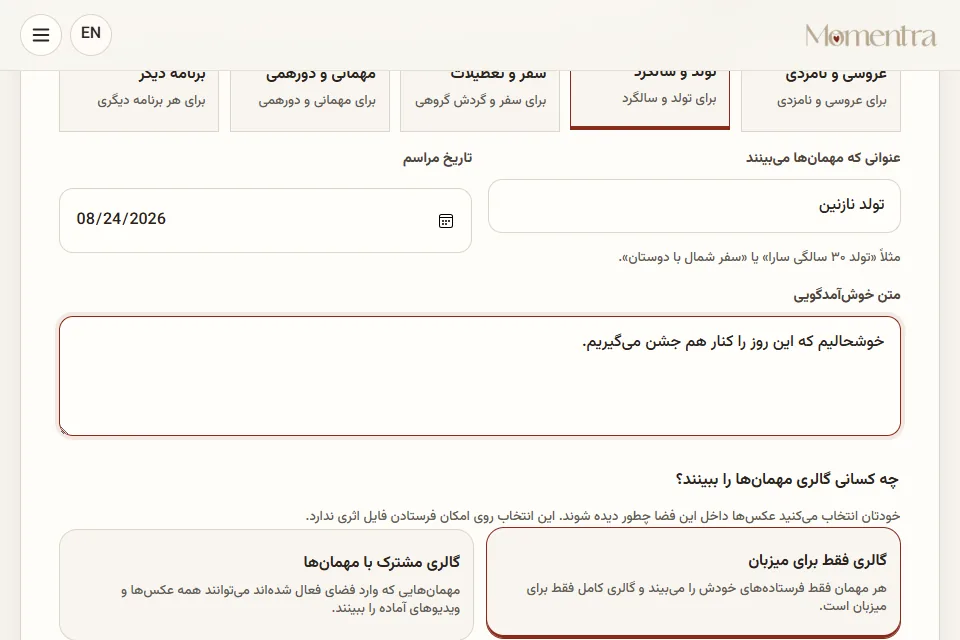
Choose the event style, title, date, gallery visibility, and a recommended or custom capacity plan.
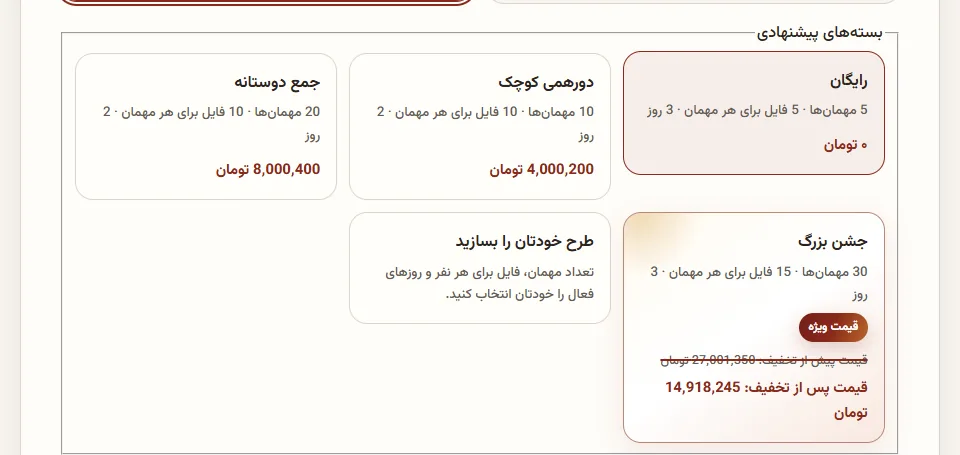
Free spaces are ready immediately. For a paid space, save the receipt and send its reference code with payment details to support; the QR code appears after approval.
Copy the personal link or download a ready-to-print QR template that matches your event. Guests scan it, enter a display name, and start capturing.
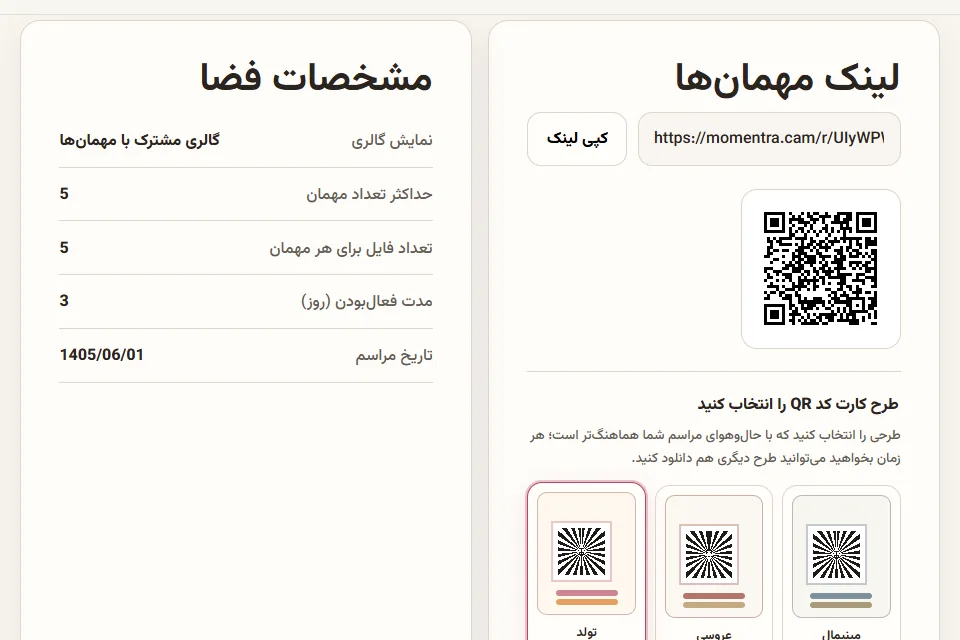
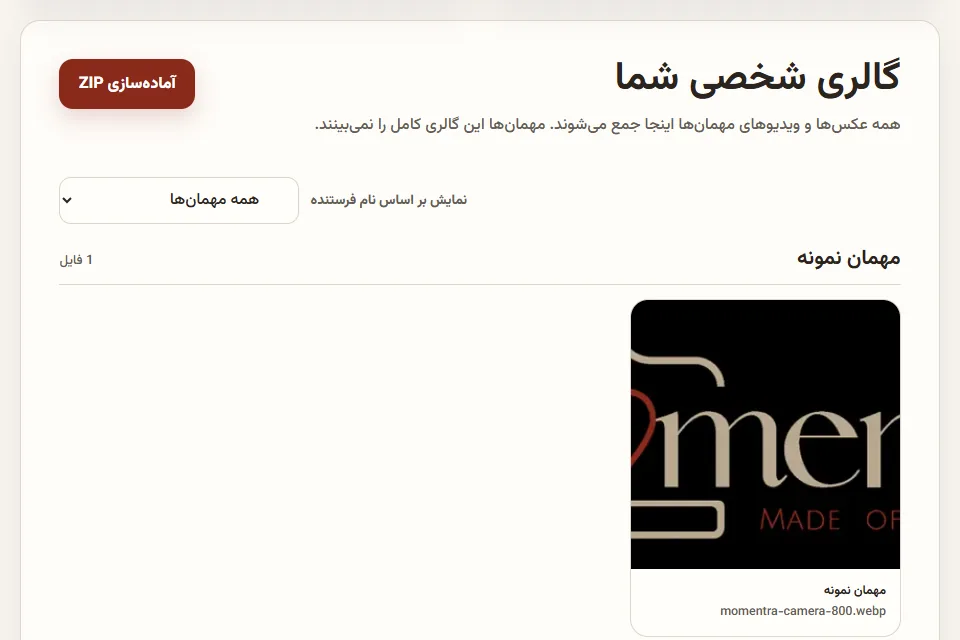
Browse the host gallery, filter files by sender, and prepare one ZIP before the chosen active period and final 24-hour download window end.
Scan the QR card on the table or invitation, or open the personal space link. No app or account is required.
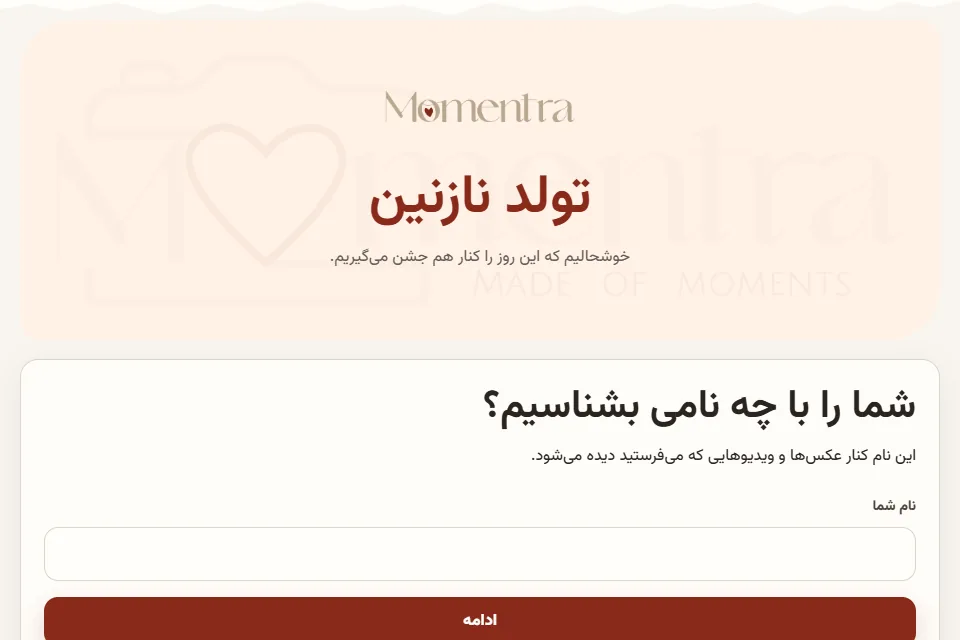
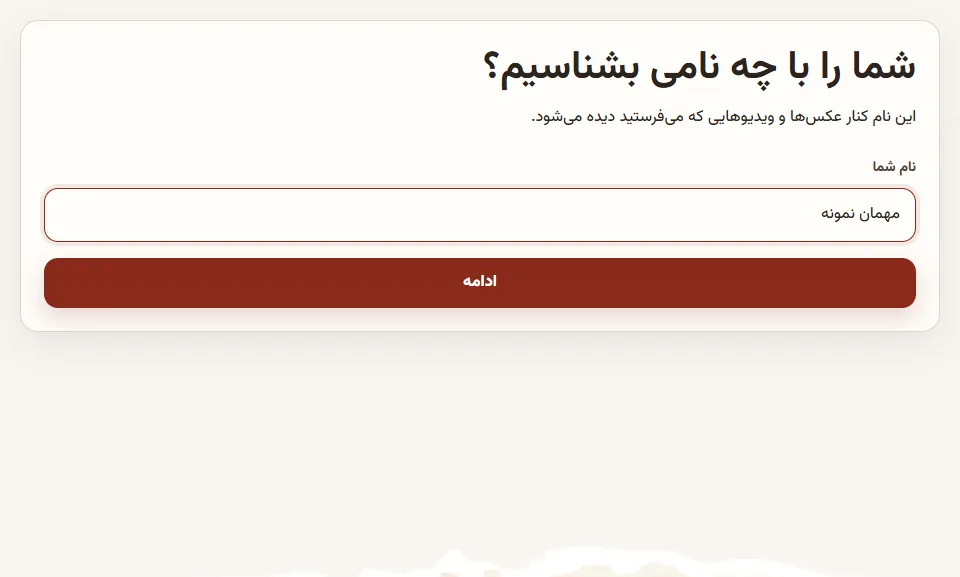
Enter a display name so the host knows who shared each photo or video.
Take a photo or video with your phone, or choose ready files from your gallery.
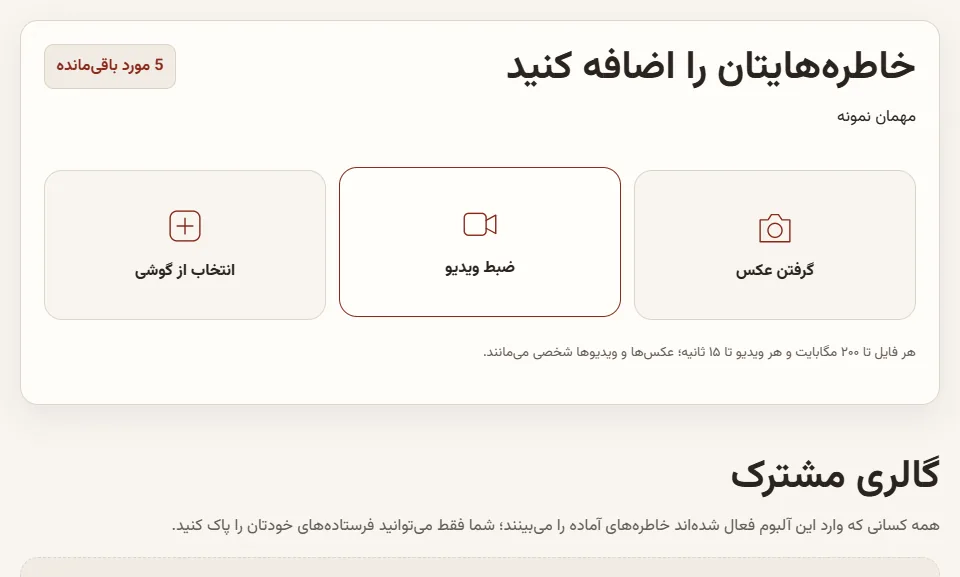
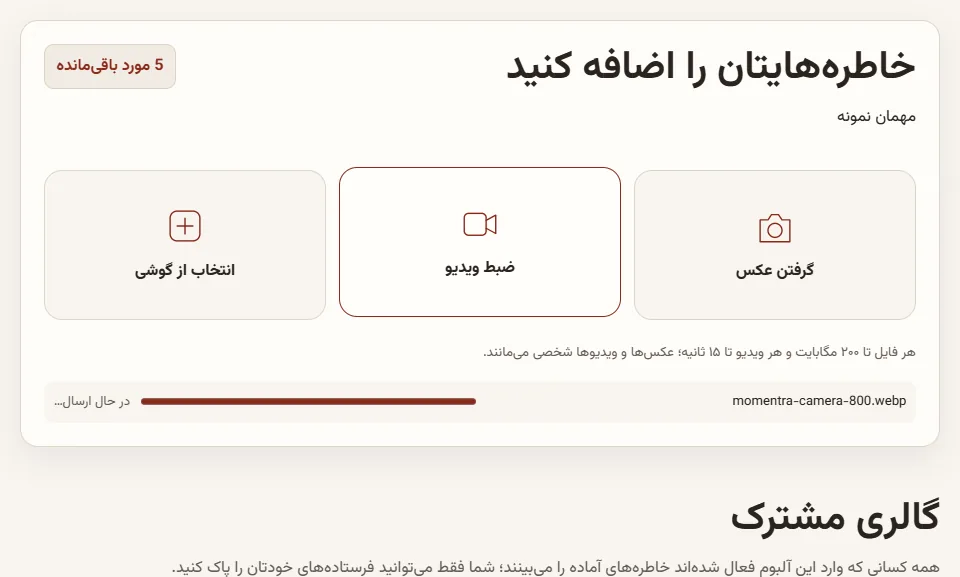
Follow each file’s upload progress. If the connection drops, retry only the file that failed.
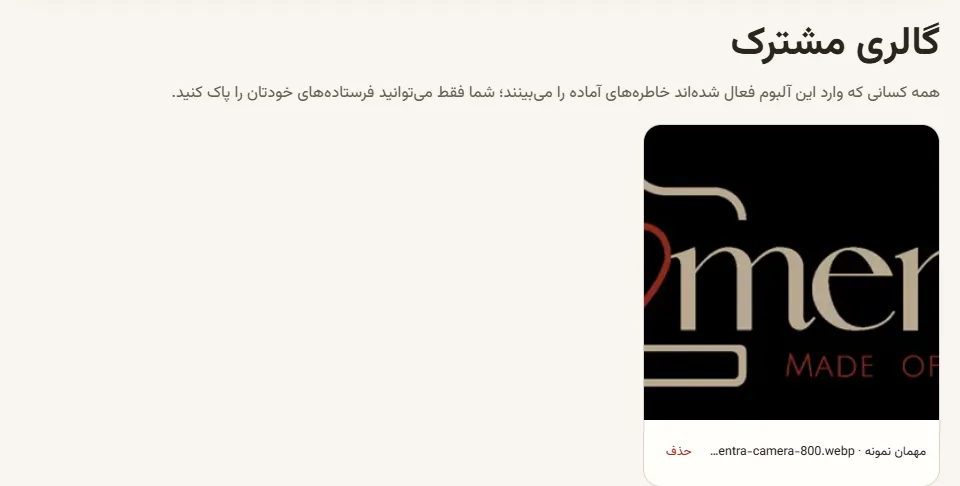
If the host chose a shared gallery, you can enjoy everyone’s ready moments in the same space.
Use cases
Whenever many people experience the same moment from different angles, Momentra can turn those views into one collection.
Keep the ceremony, dance floor, and behind-the-scenes moments your guests capture.
Build one lively album from family and friends without chasing messages afterward.
Save the small details, reactions, and warm wishes from everyone in the room.
Bring every travel companion's photos into an album where nobody is missing.
Collect candid team moments from celebrations, launches, and annual gatherings.
Gather attendee views from talks, networking, booths, and workshops.
See the show from the crowd and collect the energy from every corner of the venue.
Collect slope, lodge, and group moments from visitors throughout the day.
Bring photos from performances, graduations, trips, and celebrations together.
Collect action, supporters, awards, and team moments in one event gallery.
Journal
Momentra's practical Journal content now lives here beside the product walkthrough, without sending you across separate pages.
After an event, the best guest photos are usually spread across many phones. Some arrive in group chats, while others never reach the hosts.
Create one Momentra space for the event. Guests open its link or QR code, enter a display name, and send a photo or short video without installing an app or creating a guest account.
Afterward, the owner sees everything in the host gallery, browses uploads by sender, and prepares one ZIP before the final download window closes.
The best QR code is one guests notice without searching. A card on each table, one sign near the entrance, and another near a popular photo spot is usually enough.
Keep the wording short: “Save this moment for us, from your point of view.” Then clearly ask guests to scan, enter their name, and send a photo or video.
Before the event, test the code on both an iPhone and an Android phone. Check the venue connection too, so uploads are smooth when the event begins.
In Host-only mode, guests see their own uploads and the complete collection stays in the owner's account. It suits events where greater privacy is expected.
In Shared mode, guests who joined the active space can see everyone's ready media. It suits gatherings where enjoying the growing gallery is part of the day.
In both modes, the owner keeps the complete host gallery, sender filter, and ZIP preparation tools. Set expectations with guests when choosing the gallery mode.
FAQ
Clear answers to the main questions about creating a space, guest access, uploads, payment, privacy, and downloads.
Yes. The album owner signs up with a verified email and password so their albums, complete galleries, QR codes, and downloads stay together in a private dashboard.
No. Guests arrive through the link or QR code, enter a display name, and upload their media. Momentra does not ask guests for a phone number, email address, or password.
A guest opens the private link or scans the QR code, enters a display name, and joins the active space. Guest access needs no email, mobile number, password, or app installation.
Weddings, birthdays, baby showers, vacations, company events, conferences, concerts, ski resorts, school events, sports, and any gathering that people capture from different perspectives.
Yes. Your dashboard keeps every space separate, with its own title, date, status, link, QR artwork, gallery, and download tools.
In Host-only mode, guests see their own uploads. In Shared mode, joined guests see everyone's ready media while the space is active. The owner has the complete collection in both modes.
In Host-only mode, each guest sees only their own uploads. In a Shared gallery, joined guests can see everyone's ready media while the space is active. The host gallery, sender filter, and ZIP tools remain in the space owner's account.
Guests can choose photos or short videos from the phone camera or gallery. Each file may be up to 200 MB, videos may be up to 15 seconds, and images are processed for a practical balance of quality and size.
Each plan sets a guest limit and a media-per-guest limit. Once a limit is full, new guest access or additional uploads stop, so choose capacity for the expected event size.
The browser keeps a failed attempt on that device for retry and shows Retry or Discard controls. For the best recovery chance, keep the page in the same browser.
Yes. While the space is active, a guest can delete media sent from the same guest session. They cannot delete another guest's media.
The free space has fixed limits of 5 guests, 5 media items per guest, and 3 active days. Paid packages and custom plans support more capacity or time.
Send the payment receipt and reference code to support. After review and approval, the space is activated or scheduled and its private link, QR code, and printable artwork appear in the dashboard.
You choose the event date and active period when creating the space. A future event remains Scheduled until it opens; a free space using the current time is ready immediately.
The owner views the complete host gallery, filters media by sender, and prepares one ZIP archive for downloading the collection.
Guest uploads close, and the space is held for the owners to download for 24 hours. After that, the space and all of its files are deleted.
No. Media is encrypted while stored on the server, but this is not end-to-end encryption. The server must decrypt authorized media for processing, display, and ZIP creation.
Momentra administrators cannot access files from their dashboard. Only someone with complete technical control of the server could technically reach the encryption key.
Use the pricing calculator to choose a supported guest limit, media-per-guest limit, and an active period from 1 to 15 days, then review the final price before creating the space.
Yes. Switch between the Persian right-to-left interface and English left-to-right interface from the header; the current page and return path are preserved.
Use the Contact page, email momentrasupport@gmail.com, or message Telegram support at momentra_support. Do not send private media or sensitive information in a public message.
Give every candid moment one beautiful, private place to come home to.
Create your Momentra room